Connect Cal.com
Track booked meetings, cancellations, and no-showsfrom Cal.com and fire them server-side to your ad platforms. Bookings stitch to the visitor's ad session through two hidden booking questions — ft_sid and ft_uid — that the FunnelTrack injector fills on your booking page.
Connect the source in FunnelTrack
In FunnelTrack go to Integrations → Cal.comand connect it. Copy your workspace's webhook URL shown there — it looks like:
https://app.funneltrack.com/api/webhook/calcom/<your-workspace-id>Add the webhook in Cal.com
In Cal.com you can add the webhook at two levels — pick whichever fits:
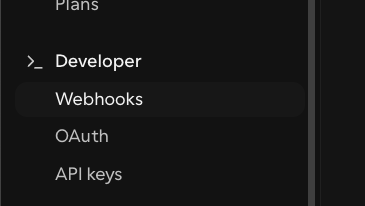
- All event types — Settings → Developer → Webhooks (account or organization level). One webhook covers every booking page.
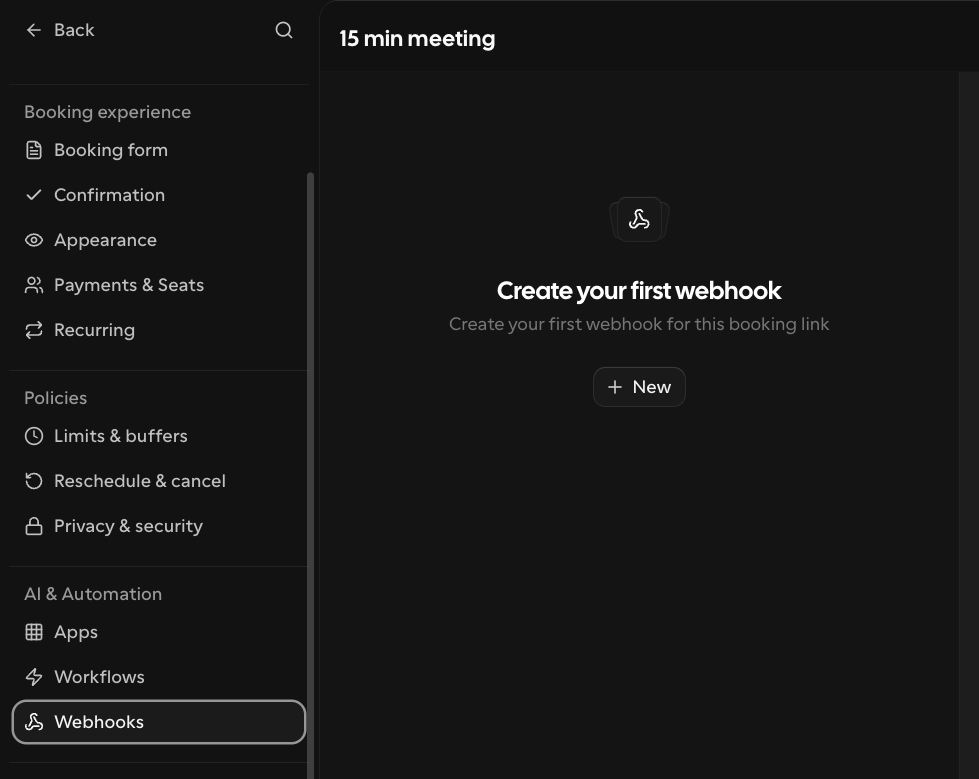
- Specific event types — open an event type → Advanced → Webhooks. Add the webhook only on the booking pages you want tracked.
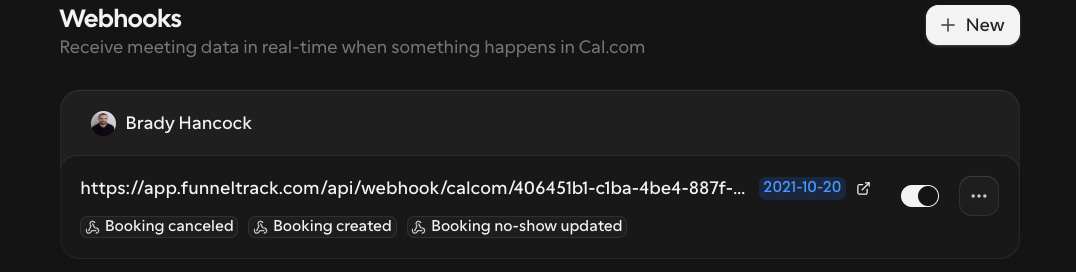
Paste your FunnelTrack webhook URL as the Subscriber URL and enable these three triggers:
Booking Created→ Meeting BookedBooking Cancelled→ Meeting CanceledBooking No-Show Updated→ No-Show
Coming soon: one-click connect
Add the hidden ft_sid & ft_uid booking questions
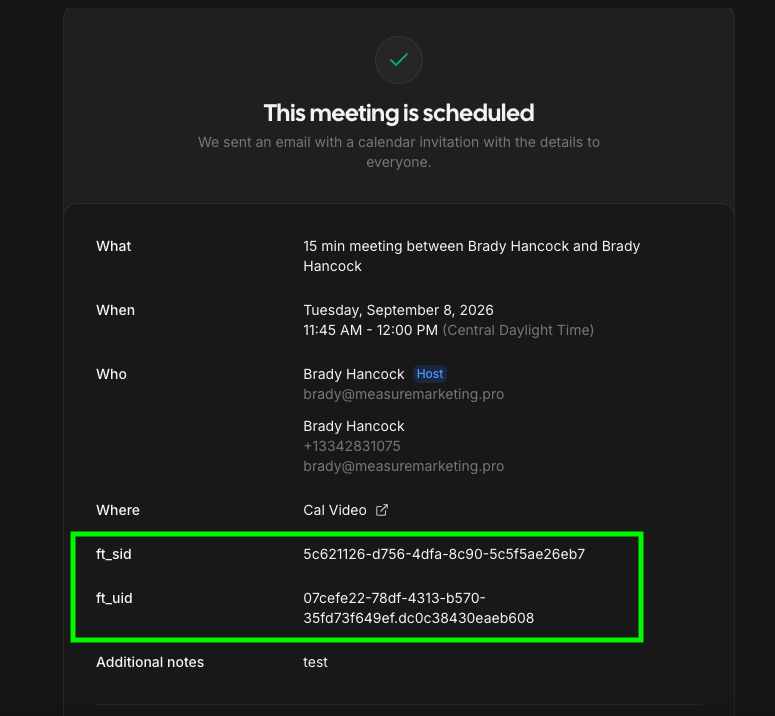
On each event type you track, open Advanced → Booking questions and add two hidden questions with these exact identifiers:
- Identifier
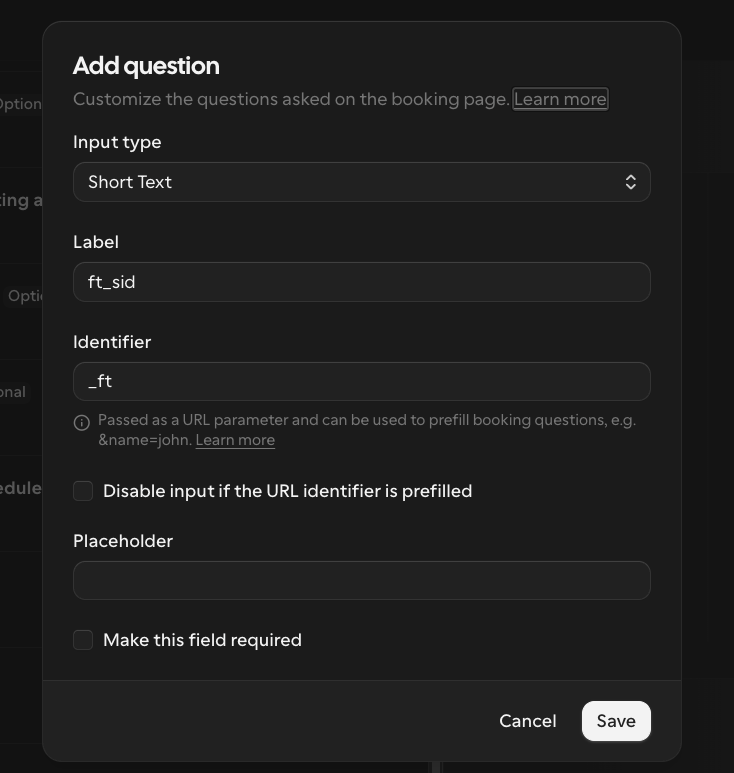
ft_sid— the session id (the label can be anything). - Identifier
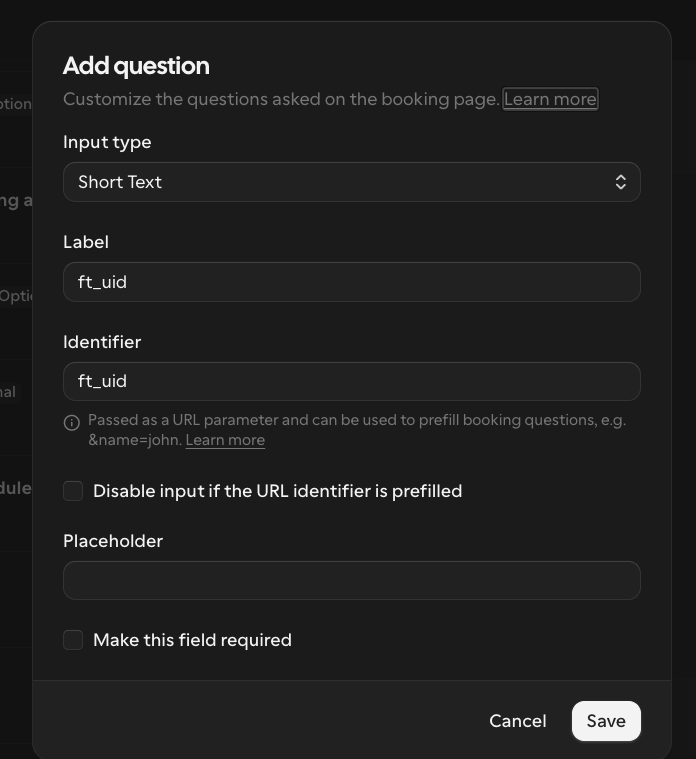
ft_uid— the visitor id.
Set both to Short Text, mark them Hidden, and make them not required so they never block a booking.
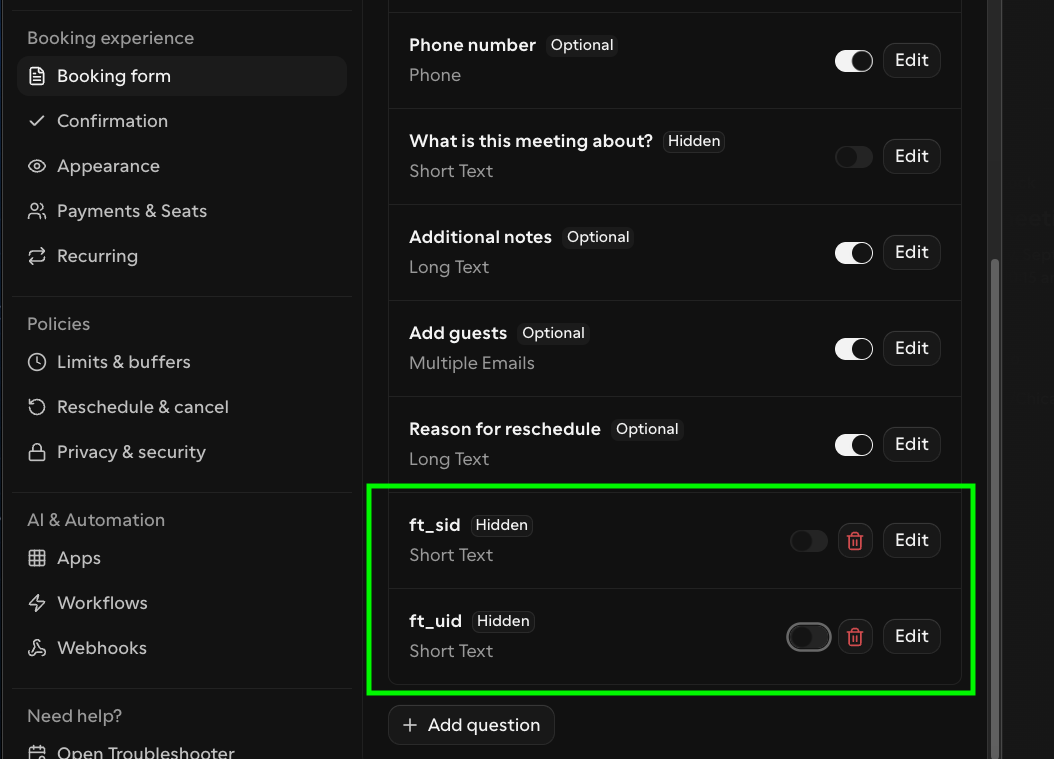
Here's the field configuration for each one — match the identifier exactly:
Booking questions are per event type
ft_sid question is missing (or its identifier isn't spelled exactly ft_sid) on an event type, that page's bookings will arrive without a session id and lose web attribution. Add both questions to every event type you embed.Install the injector on your booking page
Cal.com's booking form is a cross-origin iframe, so the FunnelTrack pixel can't set its fields directly. This small script reads the visitor's session + visitor id from the pixel and prefills the ft_sid / ft_uidquestions through Cal's iframe URL. Load it after the FunnelTrack pixel, on the page hosting the embed:
<script>
(function () {
  "use strict";
  var CAL_HOST_RE = /(^|\.)cal\.com$/i;
  function getIds() {
    var ft = window.ft || window.tracker;
    if (!ft) return { sid: "", uid: "" };
    return {
      sid: typeof ft.getSessionId === "function" ? ft.getSessionId() || "" : "",
      uid: typeof ft.getUserId === "function" ? ft.getUserId() || "" : "",
    };
  }
  function inject(sid, uid) {
    var frames = document.querySelectorAll("iframe:not([data-ft-injected])");
    for (var i = 0; i < frames.length; i++) {
      var f = frames[i], src = f.getAttribute("src") || "";
      if (!src) continue;
      var u; try { u = new URL(src, window.location.href); } catch (e) { continue; }
      if (!CAL_HOST_RE.test(u.hostname)) continue;
      var changed = false;
      if (sid && u.searchParams.get("ft_sid") !== sid) { u.searchParams.set("ft_sid", sid); changed = true; }
      if (uid && u.searchParams.get("ft_uid") !== uid) { u.searchParams.set("ft_uid", uid); changed = true; }
      f.setAttribute("data-ft-injected", "1");
      if (changed) f.setAttribute("src", u.toString());
    }
  }
  function run() {
    var start = Date.now();
    (function poll() {
      var v = getIds();
      if (v.sid && v.uid) inject(v.sid, v.uid);
      if (Date.now() - start < 8000) setTimeout(poll, 150);
      else { var last = getIds(); inject(last.sid, last.uid); }
    })();
  }
  if (document.readyState === "loading") document.addEventListener("DOMContentLoaded", run);
  else run();
})();
</script>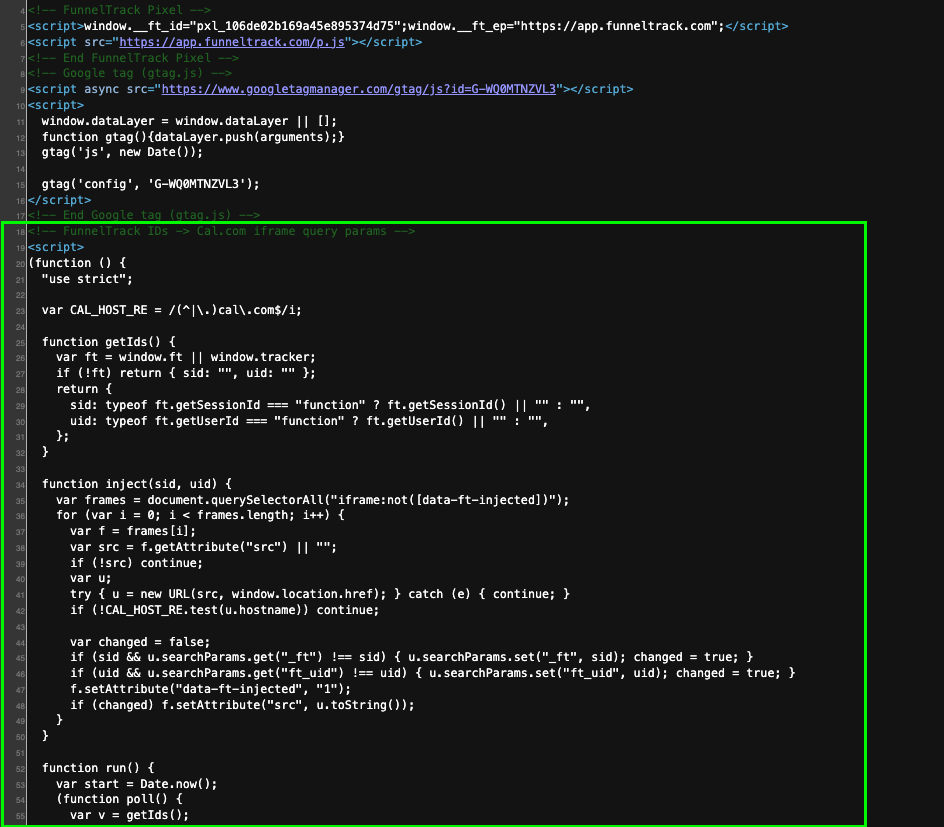
Works with the HTML inline embed, the popup/floating embed, and the React @calcom/embed-react component. For the native @calcom/atoms Booker, pass the ids through its prefill prop instead.
To confirm it's working, make a test booking on your live page — the two hidden fields should carry real values (not blank) on the Cal.com confirmation:
Turn on events & route them
Open a destination (Meta, Google Ads, GA4, TikTok, …), pick Cal.com as the source, and enable the Meeting Bookedcard (and Canceled / No-Show if you want them). Map it to the destination event you want. Booking Created fires as a web conversion carrying the booker's click IDs; Canceled and No-Show fire as offline events.
Verify it's working
ft_sid / ft_uid in the payload, plus matching outbound deliveries to each enabled destination.
Supported events
- Meeting Booked — someone books a meeting (web conversion; carries booking price as value when set).
- Meeting Canceled — a booked meeting is canceled by host or attendee (offline).
- No-Show — the host marks an attendee as a no-show (offline).