
Connect Paperform
Track form submissionsfrom your Paperform forms and fire them server-side to your ad platforms. FunnelTrack generates a webhook URL that you paste into each form — no API key or signing secret. Contact fields (name, email, phone) are auto-detected from your form, so you don't have to map them.
What you'll need
- •The FunnelTrack pixel deployed on all site pages
- •An embedded Paperform on your site — inline embed, full-page embed, and popup are all supported
Connect the source in FunnelTrack
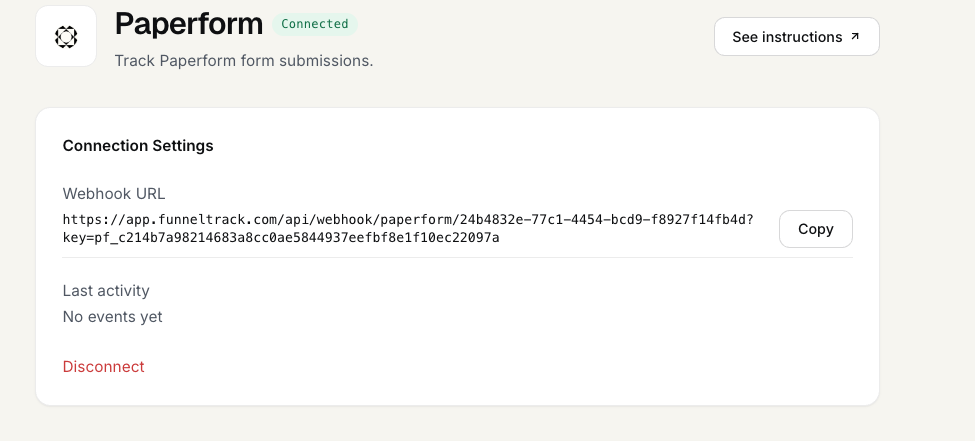
In FunnelTrack go to Integrations → Paperform and click Connect. FunnelTrack generates your workspace's webhook URL — copy it. It looks like:
https://app.funneltrack.com/api/webhook/paperform/<your-workspace-id>?key=<your-key>The key in the URL is the credential — keep the full URL private.
Add the webhook in Paperform
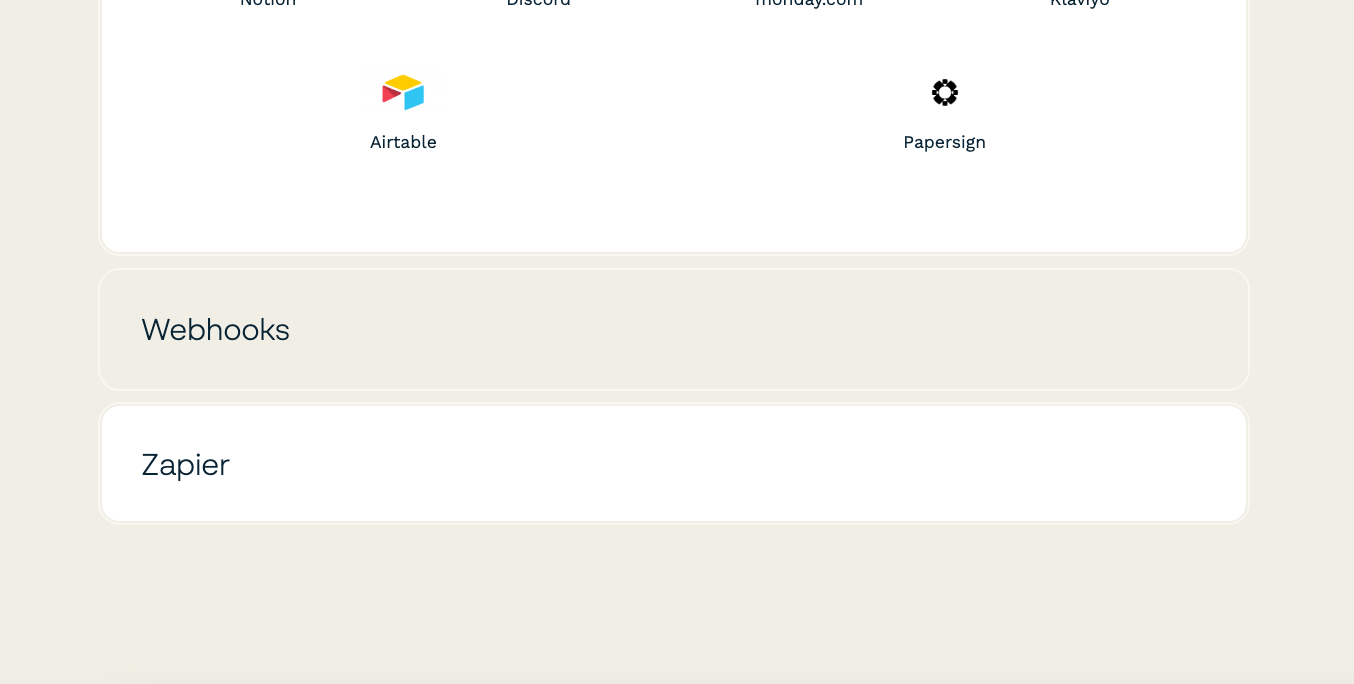
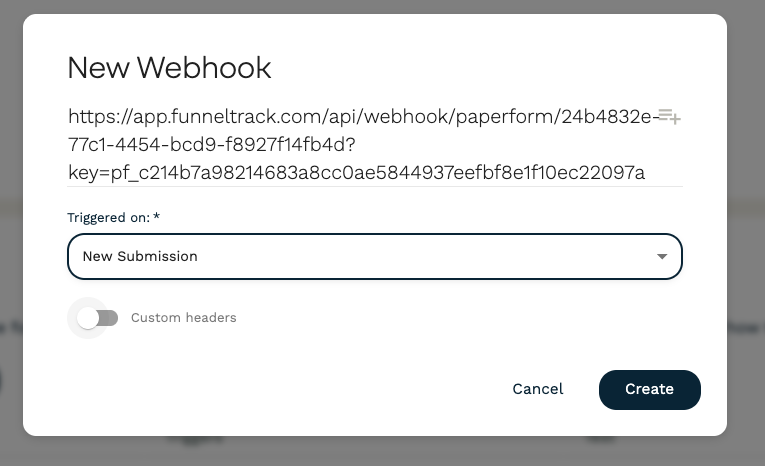
Open your form in Paperform and go to After Submission → Webhooks. Add a new webhook and paste the FunnelTrack URL from step 1. Save. Every submission is now sent to FunnelTrack.
Enable the webhook on each form
Configure your fields
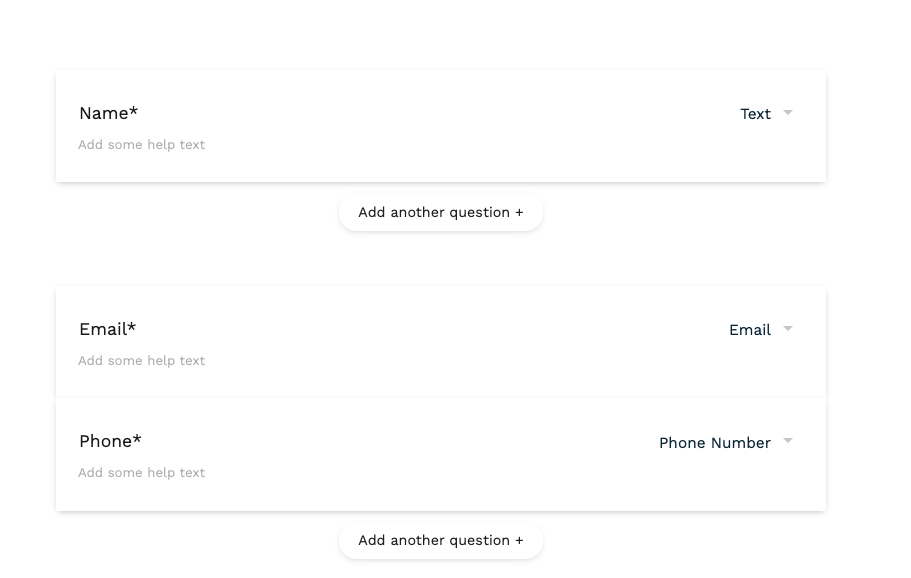
Submit a test form, then use Find Datain the event editor to pull your form's fields and map any extras you want to send. FunnelTrack detects email and phone automatically by field type and name — your fields can be labeled anything. Payment forms carry the charge total as revenue.
Enable the event & route it
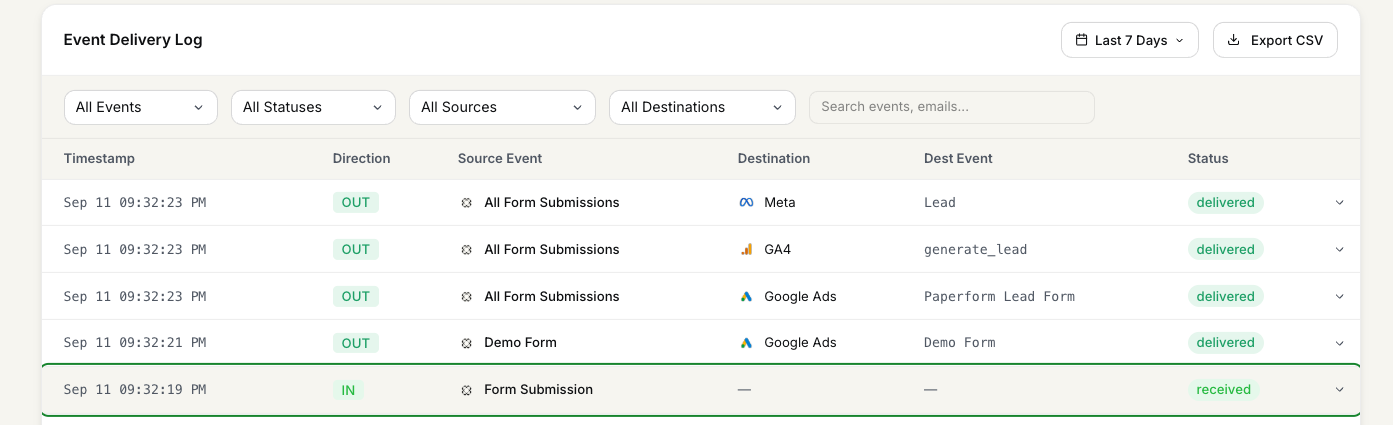
In FunnelTrack open Paperform → Form Submission, enable it, and choose which ad platforms should receive it. Submit a test, then confirm it landed: open the event and check the submission was received and attributed to the right visitor before you rely on it for conversions.
Need a hand? Back to Help.