Tracking deals
ft_sid and ft_uid contact properties.Choose the trigger
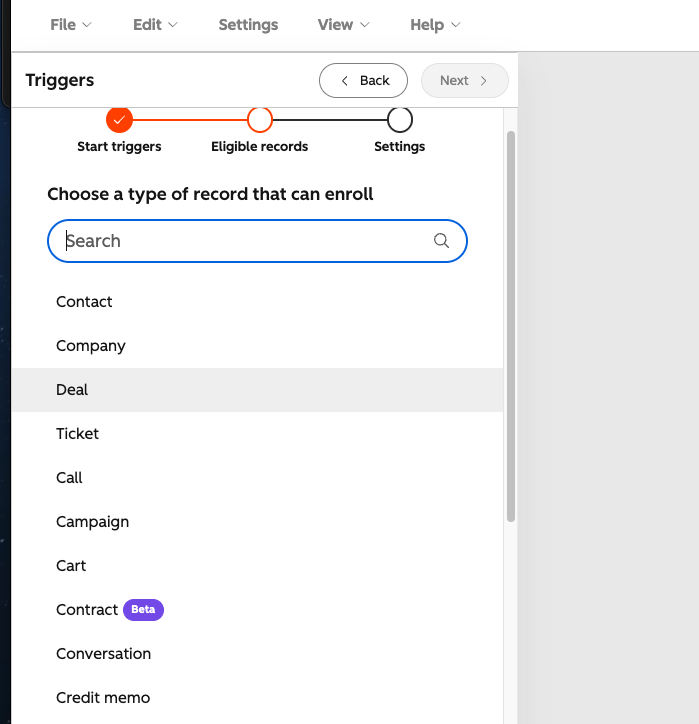
In Automation → Workflows, create a deal-based workflow with a trigger of Property value changed on the Deal object, and set the property to Deal stage.
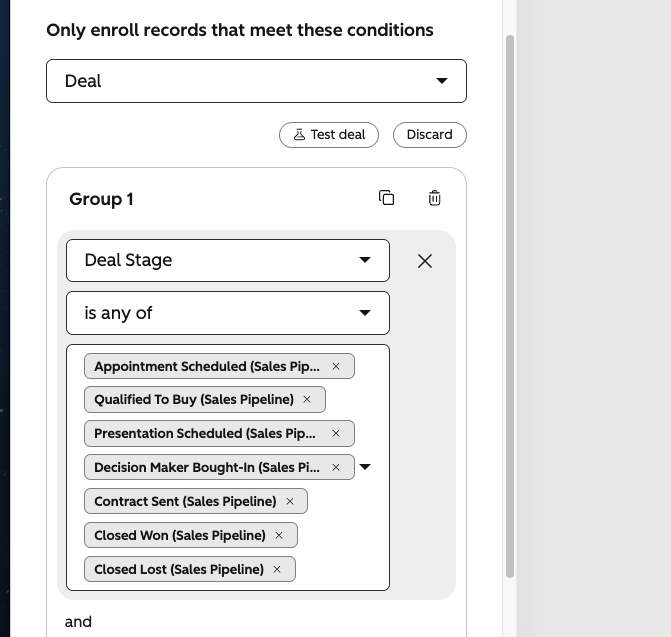
Select the deal stages to enroll
Set the new value to all pipeline stages you want to track, including any custom stages.
Add the Send a webhook action
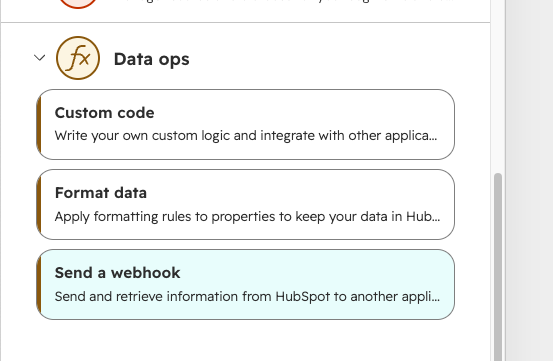
Add an action, choose Send a webhook, set the method to POST, and paste your FunnelTrack HubSpot webhook URL from the integration page.
Customize the request body
Choose Customize request body and map the fields below. Each row is either a dynamic deal / associated-contact property or a static value you type in.
dealstage, amount, dealname, email. FunnelTrack matches on these exact keys.| Field | Required? | Type | Why it matters |
|---|---|---|---|
event | Required | Static | Routes the receiver branch. Set the value to deal_update |
dealstage | Required | Dynamic | The stage the deal moved to (internal id, e.g. contractsent). |
email | Required | Dynamic | The associated contact's email. Hashed for advanced matching. |
ft_uid | Strongly recommended | Dynamic | The offline attribution bridge to the contact's most recent session. |
amount | Recommended | Dynamic | Deal revenue. Sent as the conversion value to your ad platforms. |
phone | Recommended | Dynamic | Hashed for advanced matching and as a fallback identifier. |
firstname | Recommended | Dynamic | Hashed user data — raises Event Match Quality. |
lastname | Recommended | Dynamic | Hashed user data — raises Event Match Quality. |
dealname | Optional | Dynamic | Context for reporting and debugging. |
ft_uid is strongly recommended for the most reliable offline conversion attribution. If ft_uidisn't present, FunnelTrack falls back to the associated contact's info to attribute the conversion, as long as a prior action (such as a form submission) was already captured for that contact.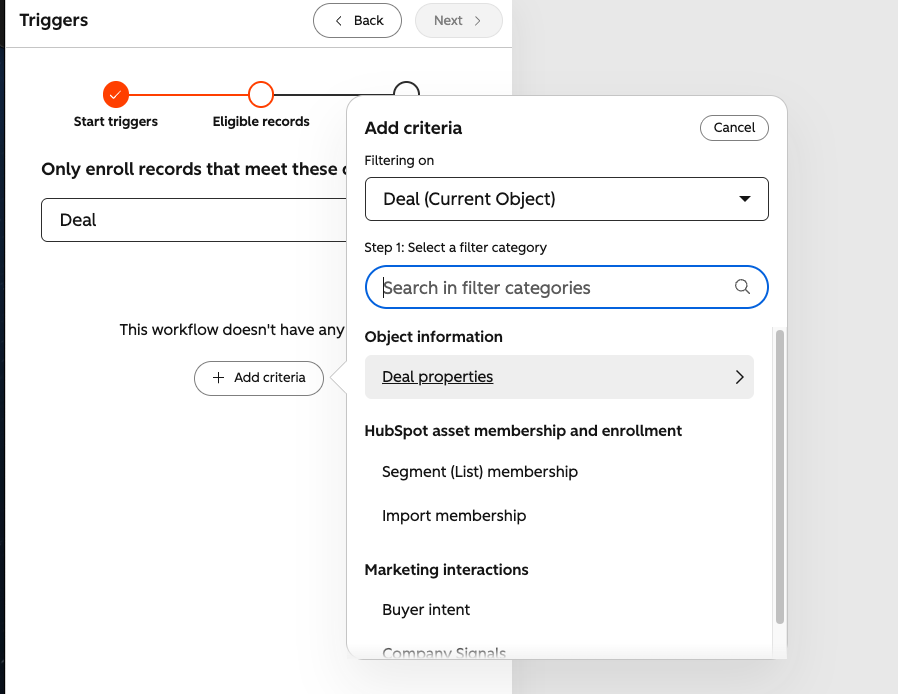
{
  "email": "person@example.com",
  "event": "deal_update",
  "ft_uid": "d8d1d541-1794-44b5-95d3-dbf0a39a20f1",
  "dealname": "Acme — Annual",
  "dealstage": "contractsent",
  "amount": "4200"
}contractsent, not "Contract Sent". Custom pipelines use a numeric stage id: find it under Settings → Objects → Deals → Pipelines, then add a custom card with that value.Enable deal tracking in FunnelTrack
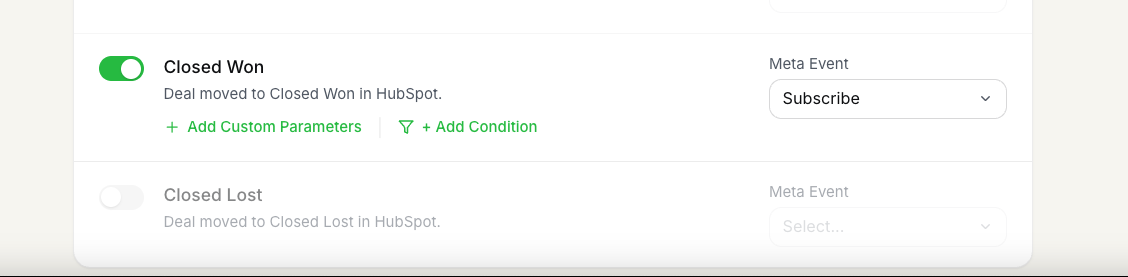
Open a destination and enable the deal events you want to send. FunnelTrack ships pre-built cards for all standard pipeline stages; for custom stages, add an event with the Add More Events builder.
Verify
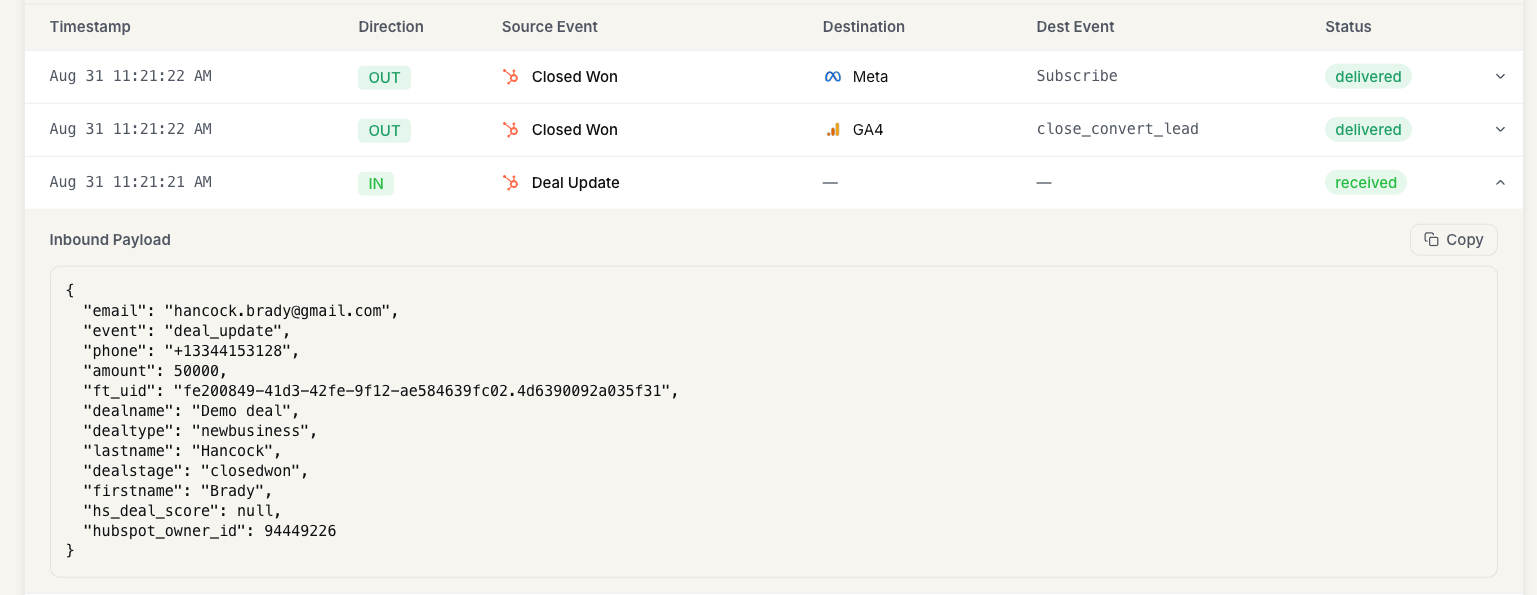
Move a deal to a tracked stage, then open the Event Delivery Logand confirm the inbound deal event. If you're sending ft_uid, expand the payload and check that the ft_uid value is present.
ft_uid retroactively assigned. Those older contacts fall back to email / phone matching, so keep that in mind when reviewing early results.