
Tracking HubSpot forms
- •This solution is built for HubSpot Forms v4. If you're on an older forms version, upgrade your forms to v4 first.
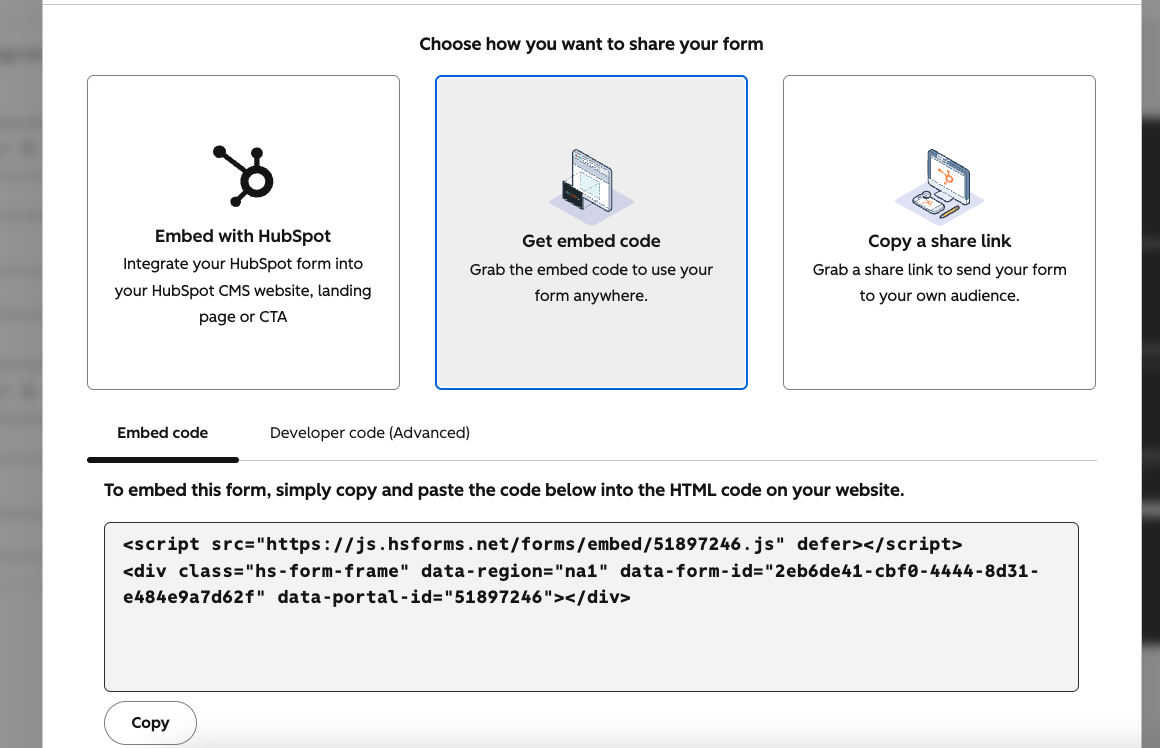
- •It works only on embeddedHubSpot forms, not HubSpot-hosted forms. FunnelTrack can't deploy its pixel on HubSpot-hosted pages, so those submissions can't be tied to a web session.
- •Make sure the FunnelTrack pixel is loaded on every page of your site, including the pages that host your forms.
ft_sid and ft_uid contact properties.Add ft_sid and ft_uid fields to your form
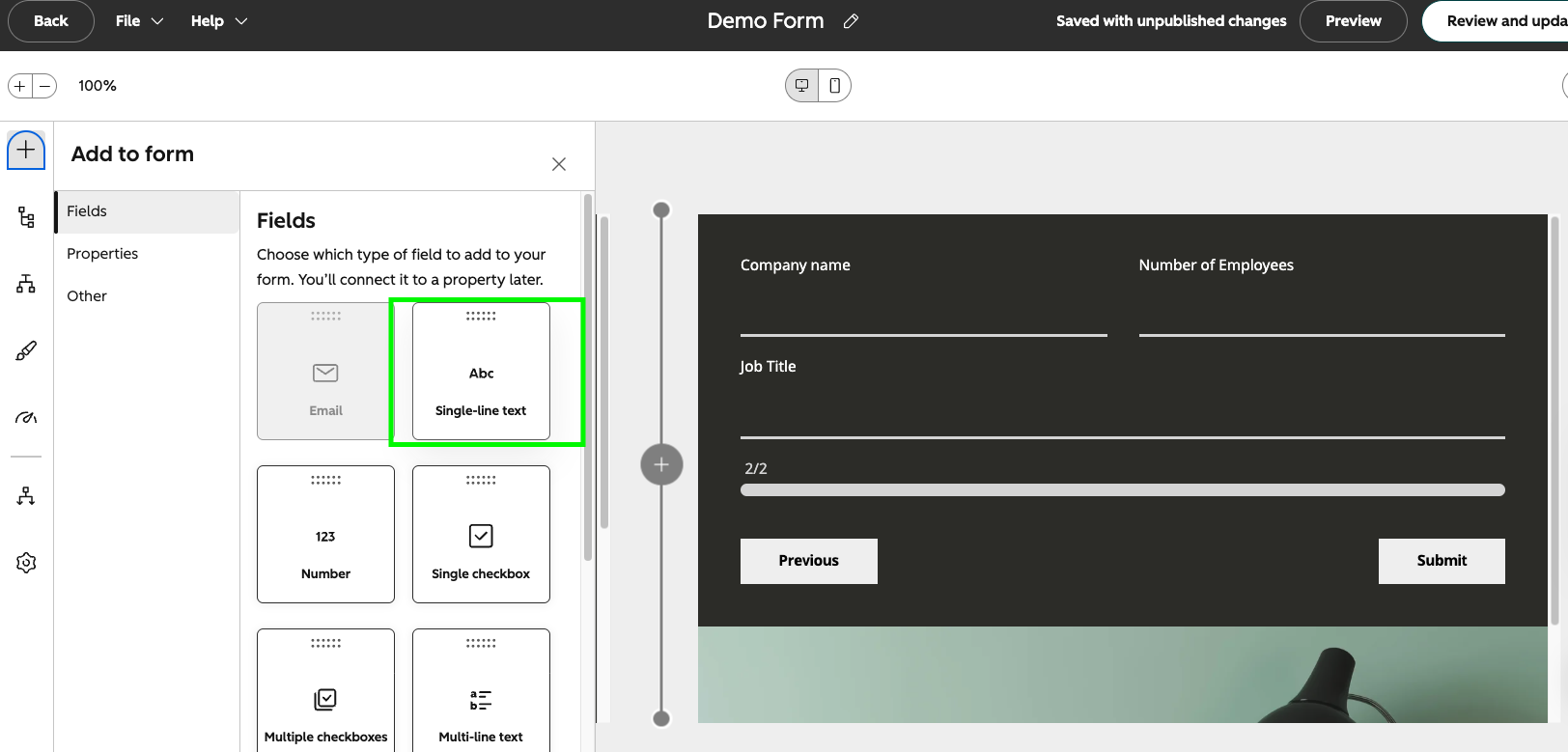
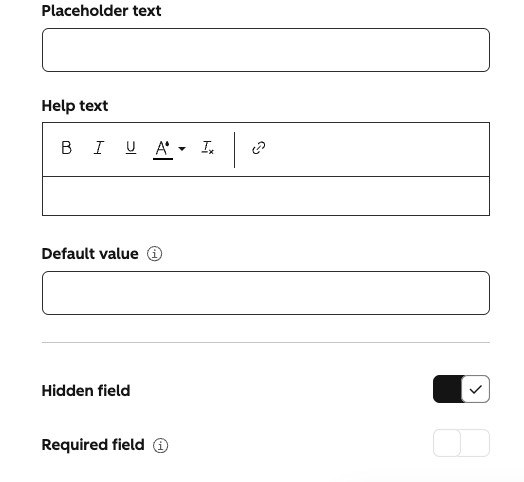
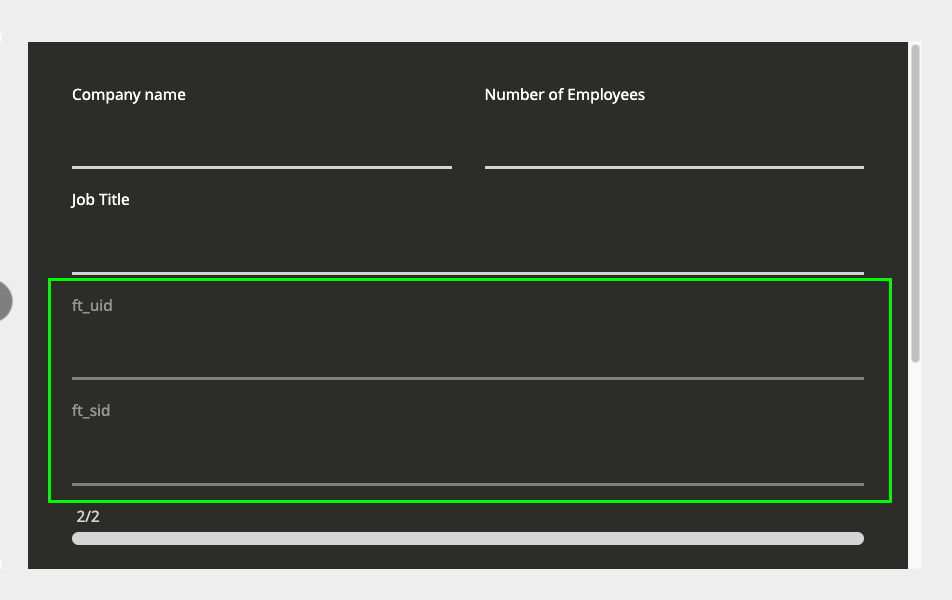
Edit your HubSpot form and add two fields backed by the ft_sid and ft_uid contact properties. These must be the properties you created in the shared setup. For each field:
- •Pick a Single-line text field type.
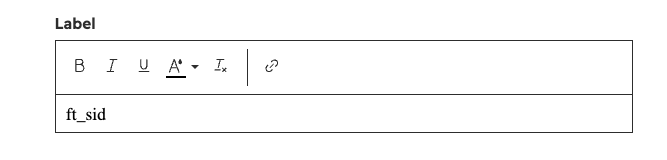
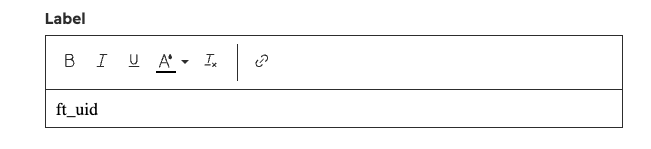
- •Set the Label to
ft_sidon one,ft_uidon the other. - •Toggle Hidden field on for both.
Deploy the injector script on the form page
Add the injector script below to every page that hosts a form, after the FunnelTrack pixel. Order matters: the pixel must load first so it has minted the session before the injector reads it. The script listens for HubSpot's form-ready event and writes the visitor's ft_sid and ft_uid into the hidden fields.
ft_sid is the visitor's session id: it stitches the submission to the exact browsing session, so the conversion carries that session's click IDs, UTMs, geo, and device. That powers web attribution today. ft_uid is the durable visitor id: it's the fallback when the session can't be matched, and it's what later ties this contact to offline events (lifecycle and deal changes) back to the ad that acquired them.<script>
window.addEventListener('hs-form-event:on-ready', function (event) {
var form = HubSpotFormsV4.getFormFromEvent(event);
var sidSet = false, uidSet = false;
function trySet() {
var ft = window.ft || window.tracker;
if (!ft) return;
if (!sidSet && typeof ft.getSessionId === 'function') {
var sid = ft.getSessionId();
if (sid) { form.setFieldValue('0-1/ft_sid', sid); sidSet = true; }
}
if (!uidSet && typeof ft.getUserId === 'function') {
var uid = ft.getUserId();
if (uid) { form.setFieldValue('0-1/ft_uid', uid); uidSet = true; }
}
}
trySet();
if (sidSet && uidSet) return;
var start = Date.now();
var poll = setInterval(function () {
trySet();
if ((sidSet && uidSet) || Date.now() - start > 8000) clearInterval(poll);
}, 100);
});
</script>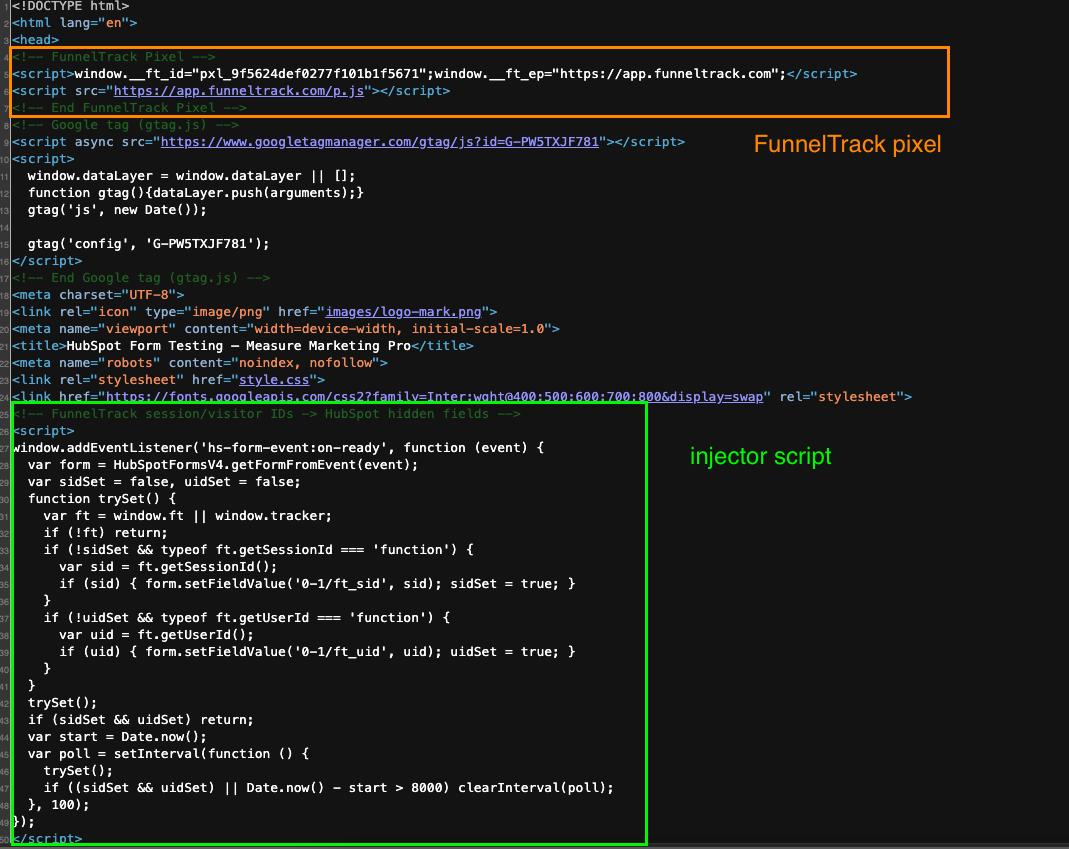
Build the form-submission workflow
In Automation → Workflows, create a workflow that enrolls contacts on form submission.
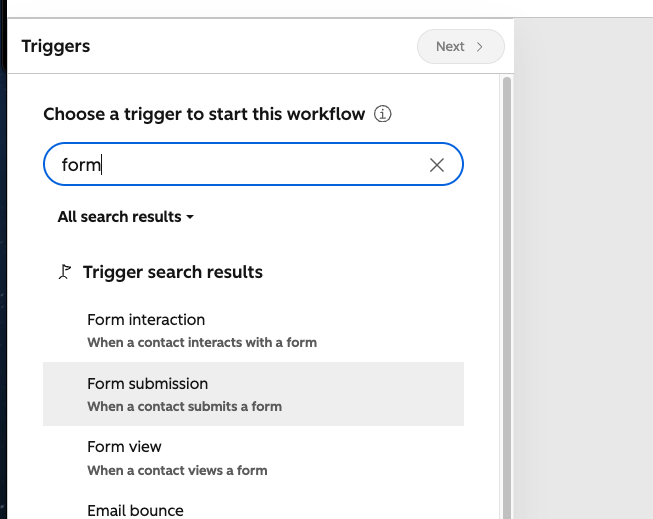
Then choose which form(s) this workflow should track.
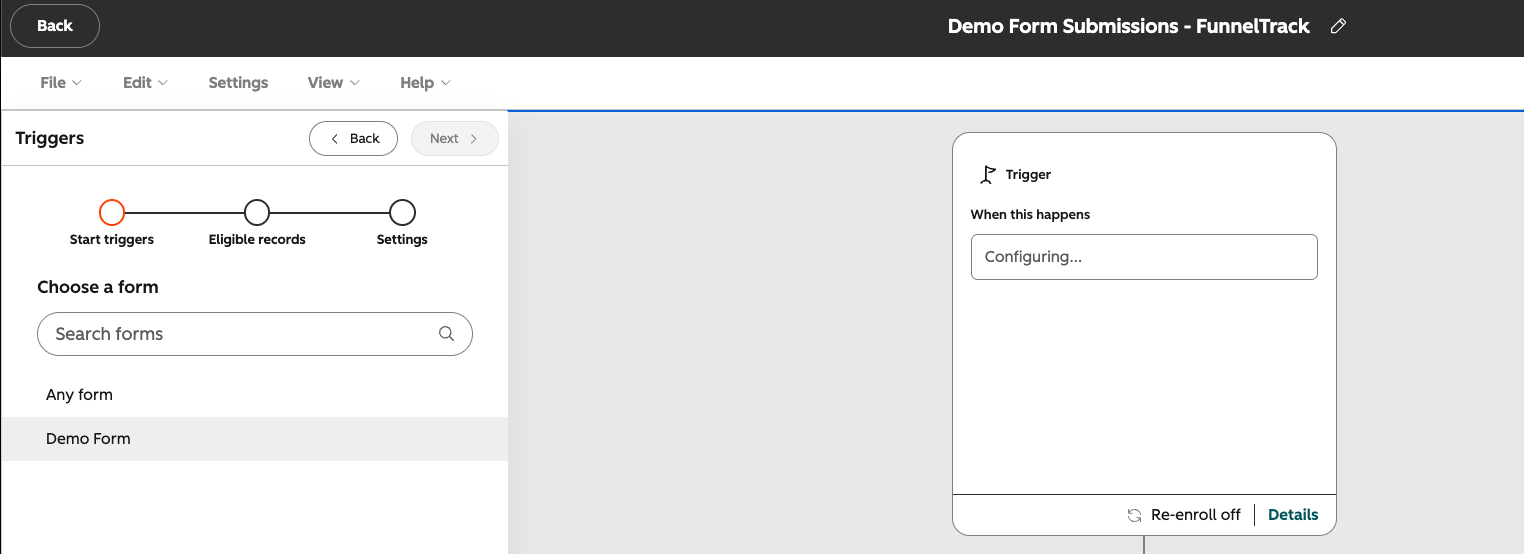
Add the Send a webhook action
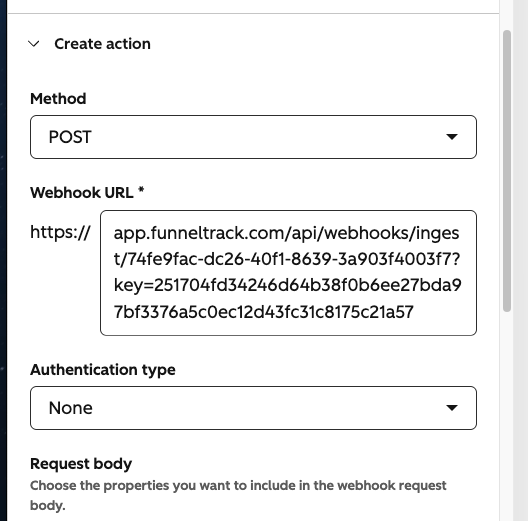
Add a Send a webhook action and set the method to POST.
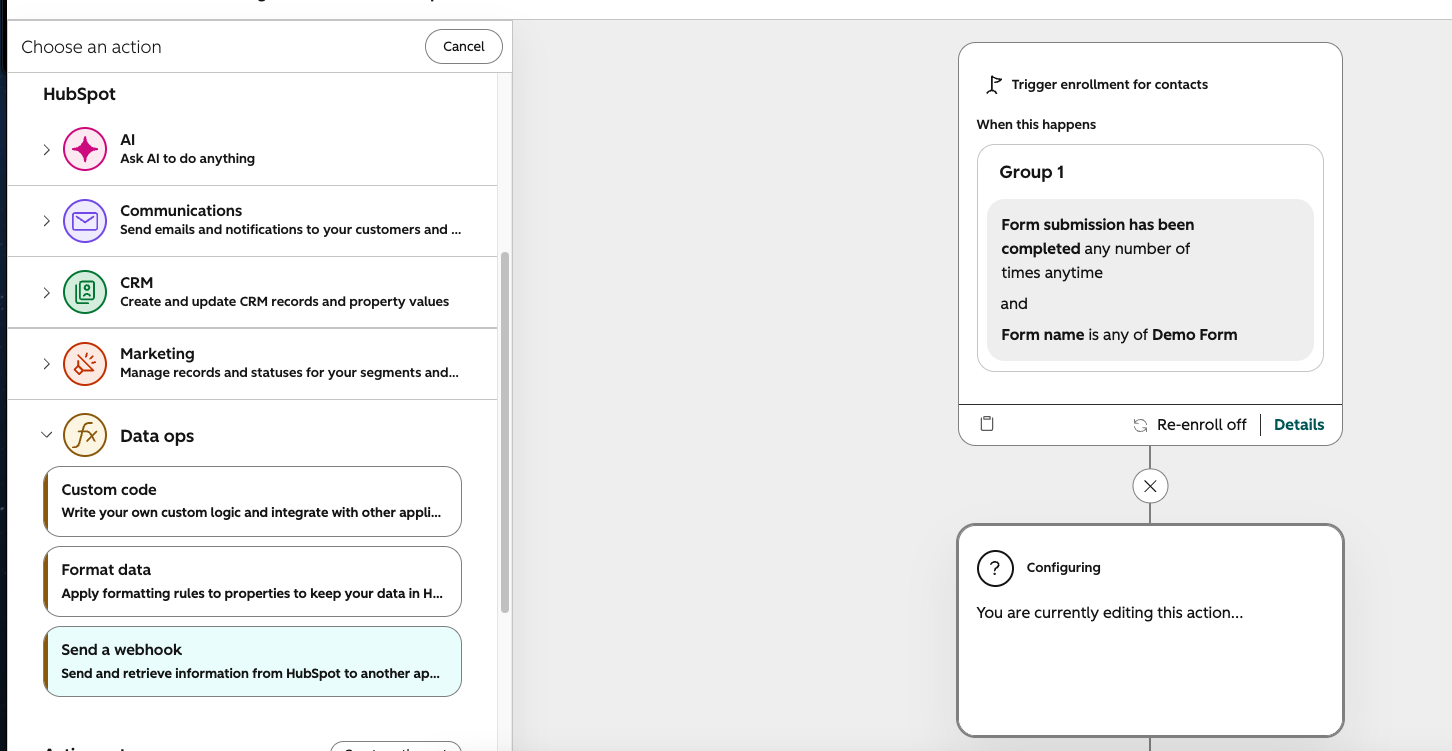
Paste your FunnelTrack HubSpot webhook URL as the endpoint.
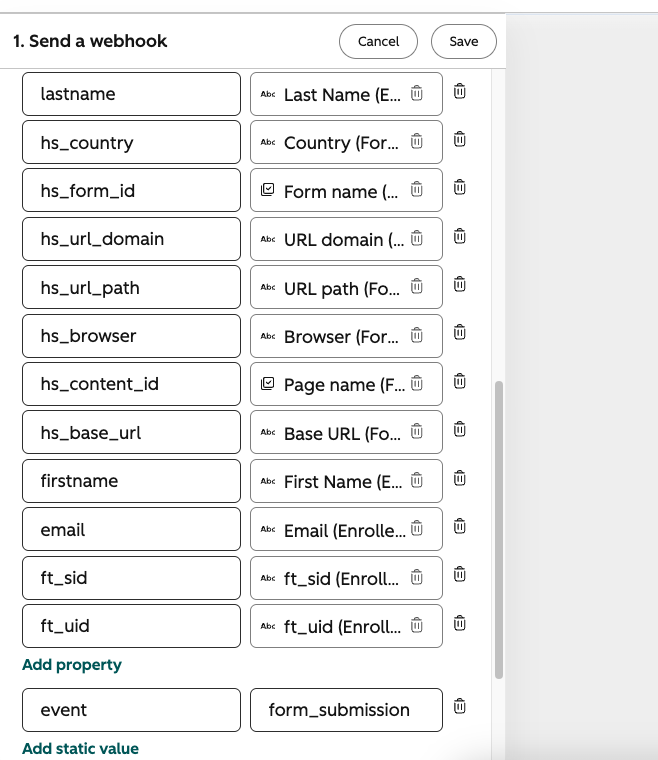
Customize the request body
Choose Customize request body and map the contact properties below. More identity fields mean better advanced matching (higher Event Match Quality) at your destinations.
email, firstname, hs_form_id. FunnelTrack matches on these exact keys.| Field | Required? | Why it matters |
|---|---|---|
event (static) | Required | Routes the receiver branch. Set the value to form_submission |
ft_sid | Required | Hard-stitches the submission to the visitor's web session (click IDs, UTMs, geo). Powers web attribution. |
ft_uid | Required | Durable visitor id. Fallback session match, and the bridge for offline (lifecycle / deal) attribution later. |
email | Required | Identifies or creates the contact. Hashed for advanced matching at every destination. |
phone | Recommended | Hashed for advanced matching and as a fallback identifier. |
firstname | Recommended | Hashed user data — raises Event Match Quality. |
lastname | Recommended | Hashed user data — raises Event Match Quality. |
hs_form_id | Optional | Lets you route a specific form differently with a custom event card. |
hs_url_domain / hs_url_path | Optional | Page context for reporting and debugging. |
{
  "email": "person@example.com",
  "event": "form_submission",
  "ft_sid": "8cf3a3c2-0689-4160-a310-93c6c34da78e",
  "ft_uid": "d8d1d541-1794-44b5-95d3-dbf0a39a20f1",
  "firstname": "Alex",
  "lastname": "Nguyen",
  "phone": "+15551234567",
  "hs_form_id": "7f3a91c2-4b8e-4d1a-9c6f-2e5b8a0d7c31",
  "hs_url_domain": "example.com",
  "hs_url_path": "/pricing"
}Enable form tracking in FunnelTrack
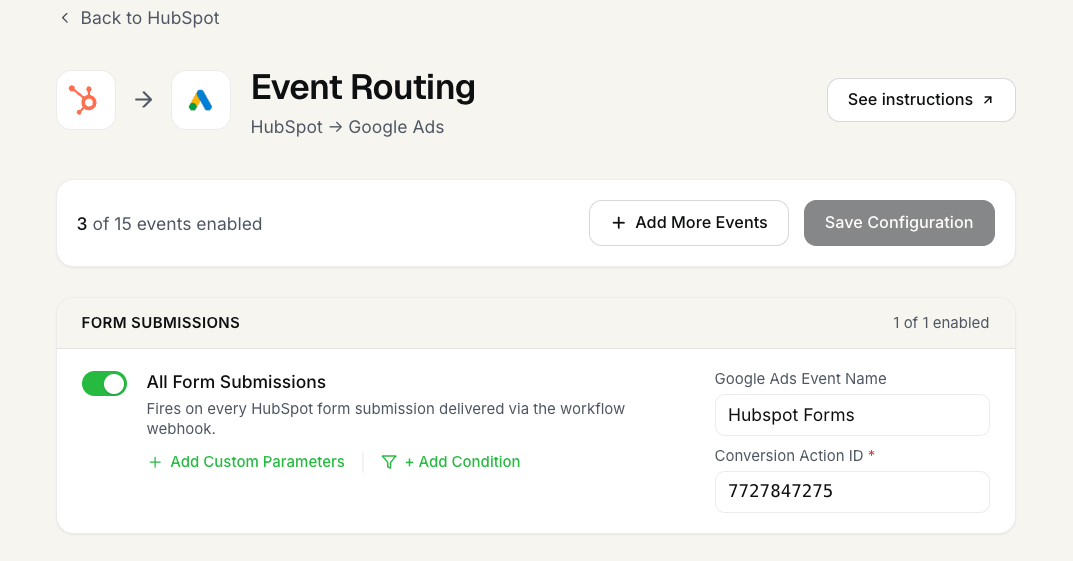
In FunnelTrack, open a destination (e.g. Meta CAPI) and enable the All Form Submissions event, mapping it to the destination event you want. You can also create per-form events with the Add More Events option to route a specific form to a different destination event.
Verify
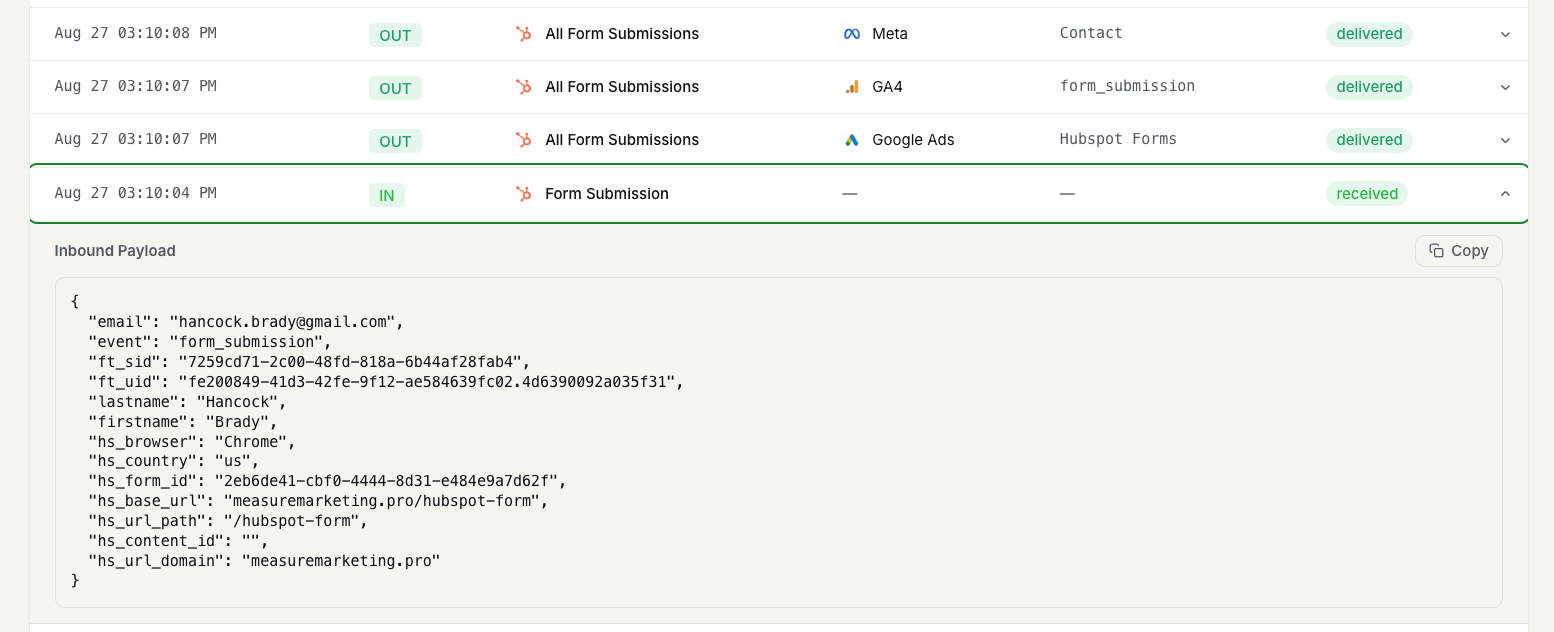
Submit the form, then open the Event Delivery Log. You should see an inbound Form Submission (received) and matching outbound deliveries to each destination. Expand the inbound row to confirm ft_sid and ft_uid are present.
How form attribution resolves
ft_sid→ direct session lookup (best).ft_uid→ visitor bridge (fallback).- Email / phone → contact upsert (always).